
Make the most of every conversation to sell more
Automate Instagram, WhatsApp, and Telegram to respond faster, connect with customers, and turn messages into sales opportunities automatically.
Boost every conversation with intelligent automation
Turn WhatsApp messages into customers automatically
Automate WhatsApp to respond instantly, qualify leads, and close more sales without wasting time replying to messages manually.
Visualize and manage every sales opportunity
Track your leads through every stage of the process and discover exactly what you need to close more sales.

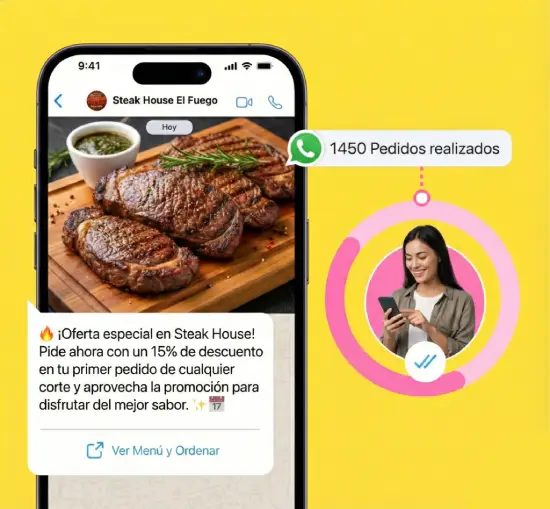
Automate responses and qualify your leads
Bizplin’s chatbot handles the heavy lifting. Every click on your ad redirects users to WhatsApp, where the bot answers questions and qualifies leads automatically.

Automatic customer support 24/7
Your customers will always have questions. Automate responses, provide instant assistance, and turn more conversations into sales opportunities without relying on limited business hours.
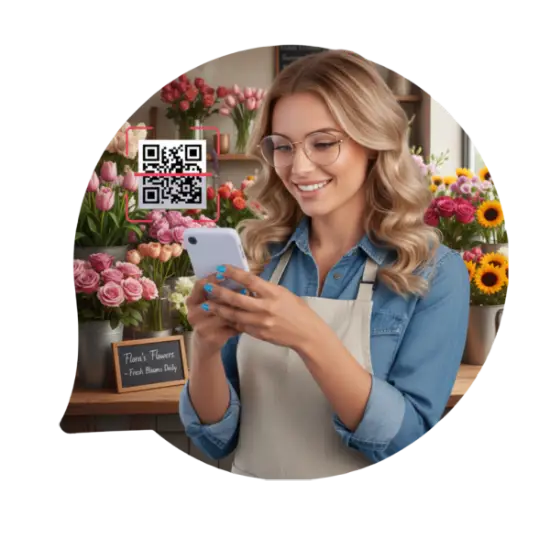
Connect WhatsApp in minutes with the official API or QR code
Easily link your WhatsApp account using Meta’s official API or by scanning a QR code, and start automating conversations, responding to customers, and generating sales automatically.
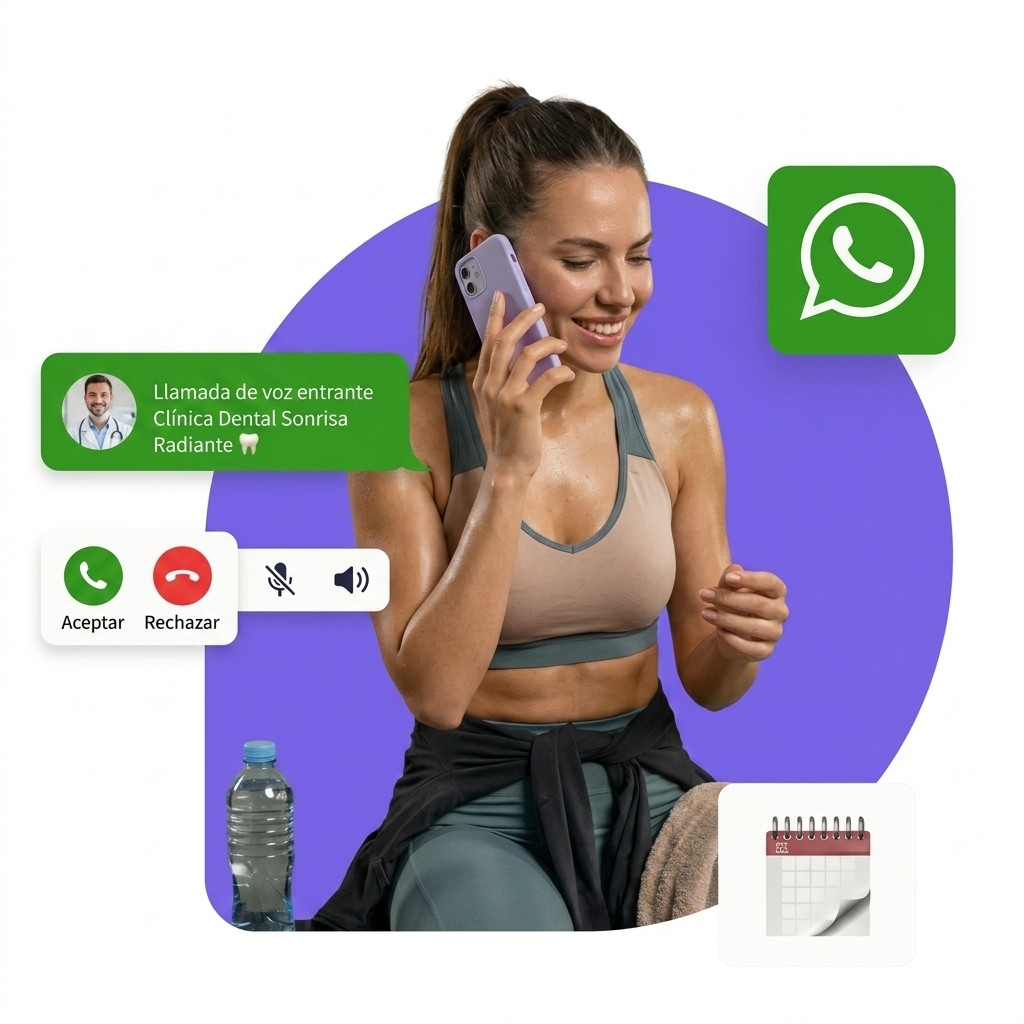
Automate your WhatsApp calls with AI
Handle calls automatically with AI-powered conversations that answer questions, qualify leads, and help close more sales without manual intervention.
Authentic conversations that drive sales
Connect with interested customers, respond instantly, and create personalized conversations that help build trust, speed up decisions, and close more sales automatically.
Recover customers and increase your sales automatically
Reconnect with interested customers through personalized messages, promotions, and automated follow-ups that drive repeat purchases and consistently increase your revenue.
Fast support that improves your customer experience
Automate responses, order updates, and personalized follow-ups to keep your customers informed, improve their experience, and build long-lasting relationships with your business.
Let your WhatsApp CRM work for you
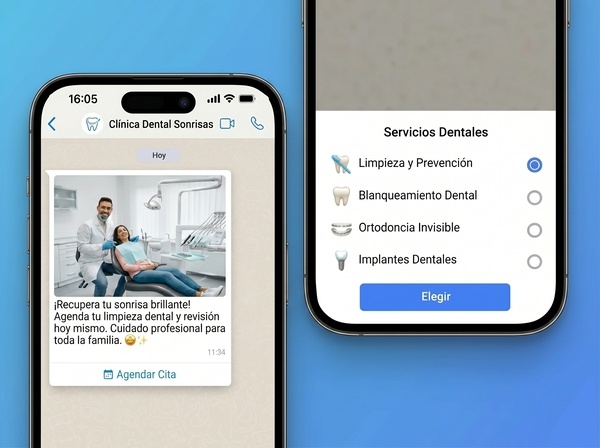
Streamline your responses with WhatsApp buttons
Use reply buttons to guide your customers, speed up interactions, and close sales faster.
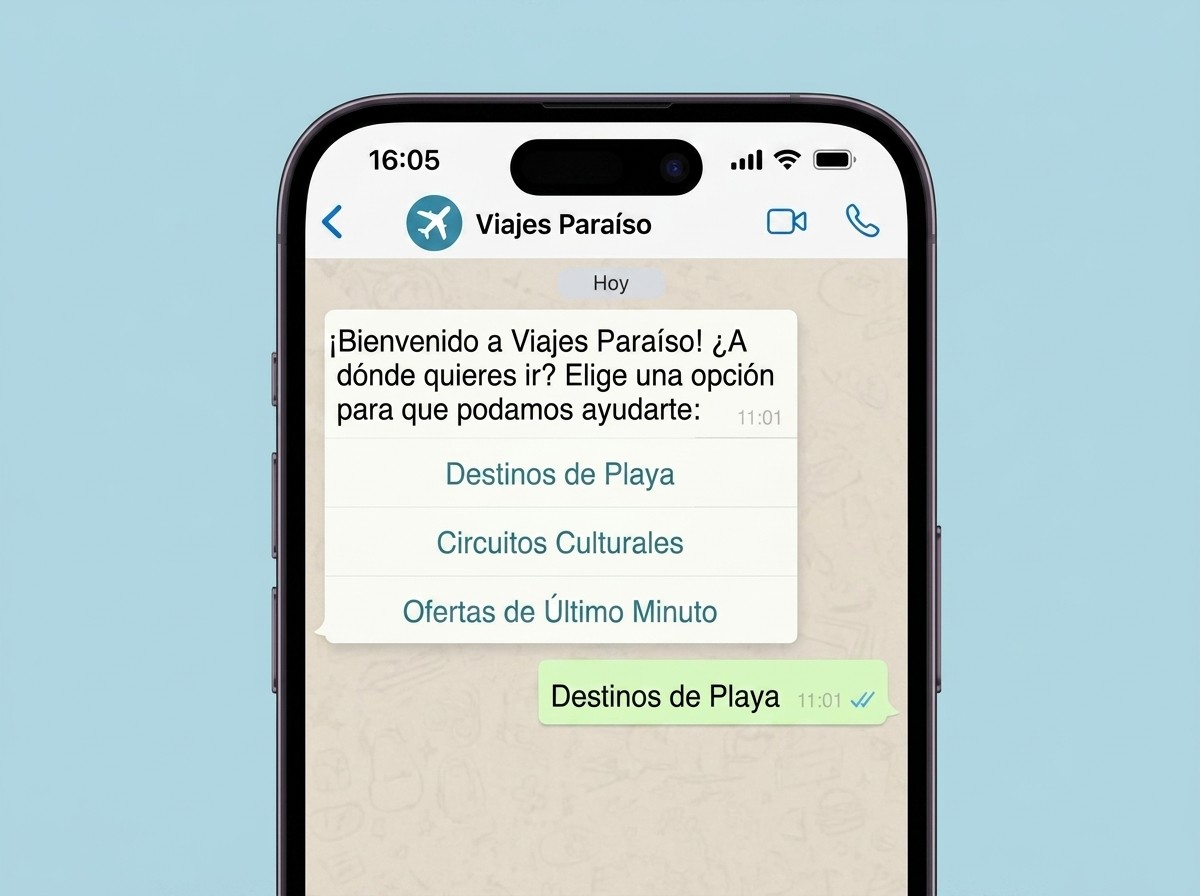
Increase engagement with List Messages
Share menus that let customers browse, book, and buy in seconds, improving both their experience and your results.
Built for teams obsessed with closing sales on WhatsApp

Transform Your WhatsApp
What you lose without Bizplin Chat and what you can achieve with it.
Before
You’re missing valuable opportunities with your WhatsApp.
Managing endless messages while potential leads slip away.
Wasting hours on browsers who aren’t ready to buy instead of focusing on buyers ready to close the deal.
Manually repeating the same answers to questions about products, shipping, and common inquiries.
Customers abandoning their purchase before completing payment, impacting your revenue.
With Bizplin Chat
Turn your WhatsApp into a sales machine now!
Qualified customers are identified automatically, while routine inquiries are handled effortlessly.
Focus only on the conversations that actually convert into sales, letting automation take care of the rest.
Get instant answers to FAQs, shipping, and product details, available 24/7.
Create frictionless purchase journeys and run re-engagement campaigns that generate recurring revenue, boosting your profits month after month.
Your sales and support team working from one place
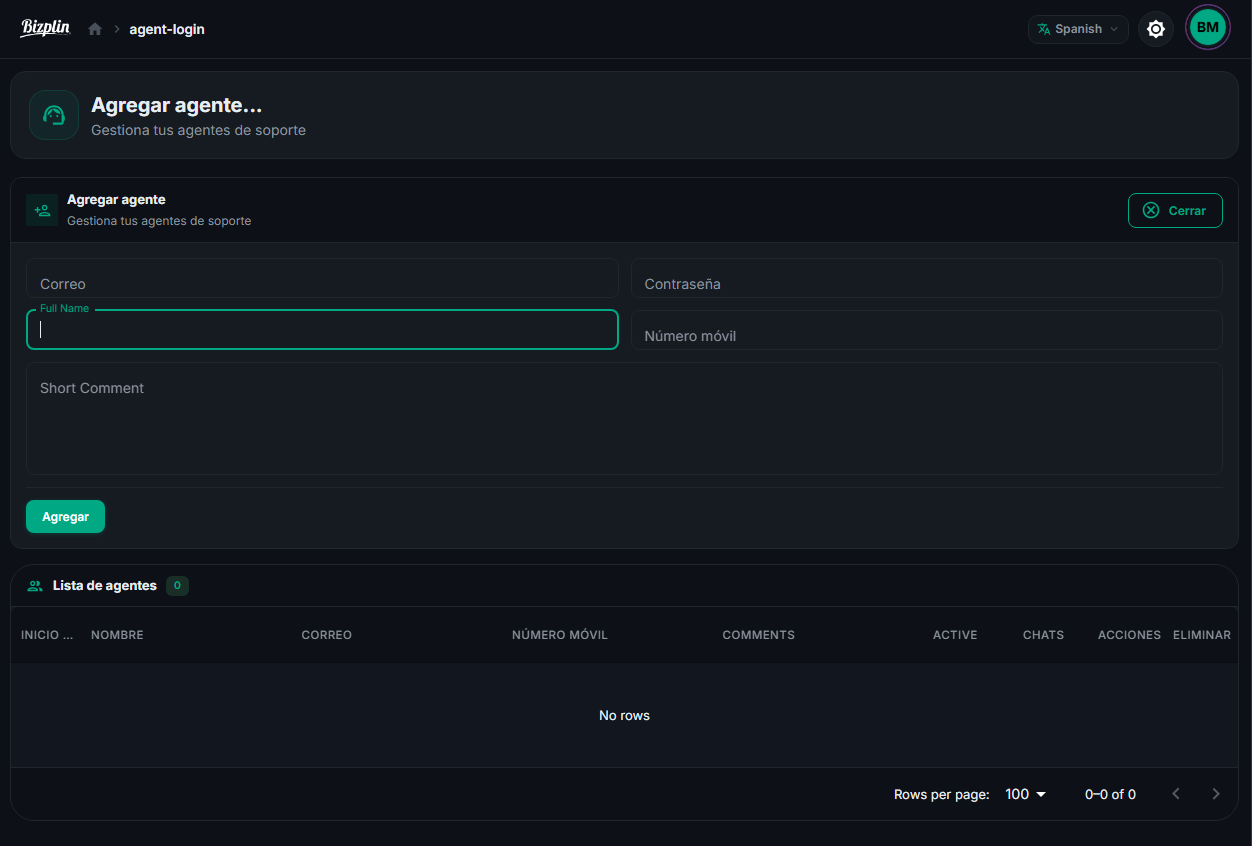
Manage your WhatsApp team more efficiently
Create subaccounts for your team, automatically assign conversations, and monitor each agent’s performance to respond faster, organize support more effectively, and capture more sales opportunities.
FAQ
It’s more affordable than you think!
WhatsApp Business API for Bizplin Chat offers a flexible pricing model that fits your business needs. Here’s how it works:
The first 1,000 conversations per month are FREE!
This lets you start optimizing your WhatsApp without worrying about costs.
Pricing is divided into two categories:
Business-initiated conversations:
These occur when you start the conversation or send a message after 24 hours from the contact’s last interaction.
Contact-initiated conversations:
These occur when a contact messages you and you respond within a 24-hour window.
Pricing varies by country.
Activate WhatsApp automation and start optimizing your business today!
Absolutely!
You can connect your WhatsApp number to your existing Bizplin Chat account and maximize your reach across all channels.
While you currently can’t connect WhatsApp messages directly to other channels, you can easily collect emails and phone numbers. This allows you to re-engage your customers efficiently via email and/or SMS, ensuring consistent communication and increasing your conversion opportunities.
Connect your WhatsApp and automatically expand your presence on other channels. It’s the easiest way to grow and reach more potential customers!
Yes, you need a unique phone number!
To start using Bizplin Chat for WhatsApp, you need a dedicated number so you can manage all your interactions efficiently and professionally.
With a unique number, you’ll be able to optimize your WhatsApp conversations, automate your responses, and provide faster service to your customers, helping you increase conversions and improve the user experience.
No, once Bizplin Chat for WhatsApp is connected, your conversations will not be available in the WhatsApp Business mobile app.
However, you’ll be able to manage them easily and efficiently within Bizplin Chat’s live chat interface.
This allows you to handle all your conversations in a centralized way, without switching between different apps, optimizing response time to improve customer satisfaction and boost your conversions.
Yes, it’s possible to use an existing phone number, but we recommend using a new number that isn’t linked to other WhatsApp apps for the best performance.
If you plan to use your current number for other WhatsApp apps in the future (like WhatsApp Business or your personal account), it’s best to keep that number and choose a new one to make the most of Bizplin Chat automation.
Alternatively, you can also use the number provided by Bizplin Chat, available only if WhatsApp is activated as an additional channel on your existing account.
For all customer-initiated conversations (incoming messages), business verification is not required to get started with Bizplin Chat. You can start interacting with your customers immediately!
However, for company-initiated conversations (outgoing messages), completing Meta for Business verification is necessary to access these features.
Don’t worry, we’ll guide you step by step through the verification process to make it quick and easy.